Shipping Label Printer Setup for Irish Small Businesses
Stop cutting and taping A4 labels. Learn how to set up a proper label printer for your Irish e-commerce business, including printer recommendations, setup steps, and troubleshooting tips.
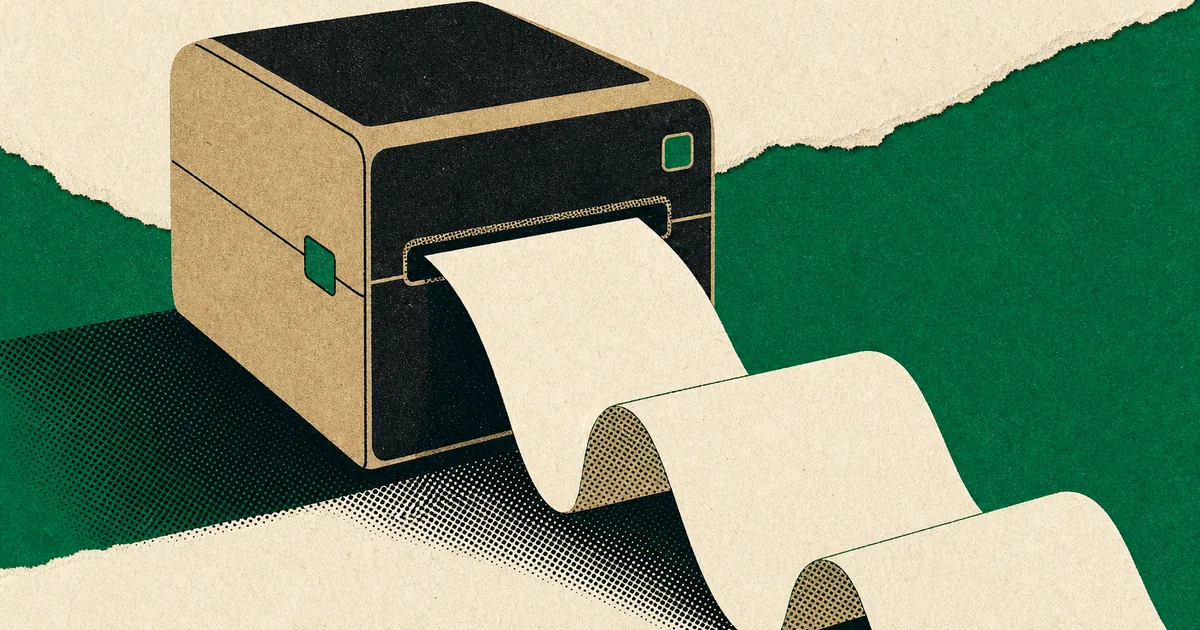
If you're still printing labels on A4, cutting them out, and taping them to parcels, you're not alone. Plenty of Irish Etsy and Shopify sellers start that way. It works, but it turns into a daily time sink once you're doing more than a handful of orders.
A proper label printer setup is one of those boring upgrades that quietly changes everything. You print, peel, stick, done. No ink panic, no "why is it printing half a label", no sellotape roll going missing when you're in a rush.
This guide will help you pick a printer that makes sense in Ireland, set it up properly, and avoid the most common headaches.
Thermal vs inkjet for shipping labels (the real difference)
Direct thermal printers use heat on special thermal labels. No ink, no toner, no cartridges. That's why most shipping setups use them.
The upsides are simple. Running costs are low, prints are consistent, and it's fast. They're also much less messy. You'll never get a "low ink" warning five minutes before the Post Office run.
The main downside is that thermal labels can fade if you leave parcels in strong sunlight for ages. For normal e-commerce shipping, it's rarely a real issue. Parcels are in transit, then delivered, then the label is binned.
Inkjet or laser printers can print shipping labels too, usually on A4 sheets (two labels per page), or on adhesive paper. If you only ship a couple of parcels a week, this can be grand. But for daily shipping it gets annoying fast, and ink is a money leak.
If you're shipping most days, go thermal. If you ship occasionally and already have a decent printer, you can survive on A4 for a while, but you'll outgrow it.
What I recommend for Irish businesses (by volume and budget)
If you want the "just works" workhorse (best for steady daily shipping)
Zebra ZD421d (direct thermal)
This is the kind of printer you see in warehouses for a reason. It's built to run all day and keep going. It prints 4-inch wide labels and is quick (up to 152 mm/sec at 203 dpi).
In Ireland, you can buy it from Shop4Rolls for around €355 ex VAT and it's clearly aimed at businesses.
Pick this if you're doing 10 to 50+ parcels a day and you want reliability more than anything.
If you want a good budget option with phone-friendly printing
MUNBYN RealWriter (example: RealWriter 129 Bluetooth)
MUNBYN has become popular with small sellers because the printers are affordable, fast (often around 150 mm/s), and they support standard 4-inch label widths. The RealWriter 129 specs list 203 dpi and support up to 117 mm media width, which covers standard 4x6 labels.
Pick this if you're price-sensitive, shipping a few parcels most days, and you like the idea of Bluetooth printing.
If you want WiFi and AirPrint (handy for Mac and iPhone setups)
Rollo Wireless
Rollo's wireless model is aimed at exactly this. WiFi, AirPrint, and it's designed around 4x6 shipping labels. It lists 203 dpi and speeds around 150 mm/s.
Pick this if your "computer" is basically a MacBook and you want printing to feel like a normal home printer setup.
If you're already in the Brother ecosystem (but watch the label costs)
Brother QL-1100
The QL-1100 is a proper 4-inch wide label printer and it's widely stocked here. It prints up to 103.6 mm label width and runs up to 110 mm/sec.
You can buy it from Irish office suppliers like FOS (around €255.10 inc VAT listed) or HuntOffice.
The catch is that Brother QL printers use Brother DK label rolls. They're convenient, but they're not the cheapest way to print 4x6 shipping labels long-term. For example, a Brother DK-11247 roll is 180 labels per roll.
Pick this if you value convenience and local availability, and you're not trying to minimise label cost to the last cent.
A quick warning on DYMO (because people get caught by this)
DYMO's LabelWriter 550 is direct thermal, but DYMO states it "exclusively works with DYMO-branded labels."
That can be a dealbreaker for shipping labels because it limits cheaper third-party rolls. Personally, I'd avoid DYMO for a shipping setup unless you already know the label costs suit you.
Where to buy label printers in Ireland
You have a few good options depending on whether you want consumer retail or business suppliers:
FOS.ie stocks the Brother QL-1100 and lists Irish delivery and pricing.
HuntOffice.ie is a solid Irish office supplier and stocks the QL-1100.
Viking Direct Ireland also carries the QL-1100 and QL-1110 models.
Shop4Rolls.ie is great for Zebra printers and consumables, and has clear pricing on the ZD421d.
For smaller label printers (more for address labels than 4x6 shipping), Currys Ireland carries models like the Brother QL-810W.
For labels themselves, you can buy from Irish packaging suppliers too. For example, Sordan (Dublin shipping) lists a roll of 500 direct thermal 4x6 labels for €8.50.
Cost considerations (what you'll actually spend)
A label printer cost is usually a once-off pain. The ongoing cost is labels.
If you use standard 4x6 direct thermal labels, you can get very low per-label costs. Using the Sordan example, €8.50 for 500 labels works out at about 1.7 cent per label.
Where people get stung is proprietary label systems. They can still be worth it for convenience, but you want to know what you're signing up for. Brother DK shipping labels are a good product, just pricier per label than generic 4x6.
A simple way to think about it: if you're shipping 20 parcels a day, that's roughly 400 a month. Even a 5 cent difference per label is €20 a month, every month. Over a year, you've basically paid for the printer.
Step-by-step setup (works for Zebra, Rollo, MUNBYN, Brother)
Step 1: Choose the right labels first
Before you even install drivers, decide your label format.
For shipping, you want 4x6 (100x150mm) in most cases. It fits standard courier layouts and looks professional. If you're doing international labels, customs forms, or multi-page documents, you may still print the main label on 4x6 and keep paperwork separate.
Make sure your labels match your printer type:
- Direct thermal labels for direct thermal printers
- Correct roll core size if the printer needs it
- Fan-fold labels if you don't want a roll holder on the desk
Step 2: Unbox and place it properly
Put the printer somewhere you can actually work. This sounds obvious, but I've seen printers jammed behind a monitor where you need two hands and a prayer to reload labels.
Leave space behind or underneath for labels to feed smoothly. Most "mystery jams" are really "labels pulling at a weird angle".
Step 3: Load the labels the right way round
This is the number one beginner mistake on thermal printers.
Thermal paper only prints on one side. If you load it backwards, you'll get blank labels and think the printer is broken.
A quick test: scratch the label surface with a fingernail. If it leaves a dark mark, that's the printable side.
Step 4: Connect it (USB is easiest)
For your first setup, USB is your friend. Get it working over USB first, then switch to WiFi or Bluetooth if you want.
If it's a Zebra, install the official driver package. If it's a Brother, install the Brother driver and label software. Many cheaper printers use a standard printer driver plus their own app.
Step 5: Set the paper size and default print settings
Go into your printer preferences and set:
- Paper/label size: 4x6 (or 100x150mm)
- Orientation: Portrait (usually)
- Scaling: 100% (important)
- Print quality: default is fine for shipping labels
If your prints are slightly off-centre, look for a "calibrate" or "media calibration" option. Zebra printers in particular are designed to do this when you change label types.
Step 6: Print a test label PDF
Don't start with a label design app. Start with a PDF label, because that's what you'll actually print day-to-day.
Open a PDF label and print:
- Turn off "fit to page"
- Choose "actual size" or 100%
- Disable headers and footers in the print dialog
- Make sure margins are not forcing a shrink
If it prints perfectly once, you're 90% finished.
Troubleshooting (the common problems and quick fixes)
Problem: Blank labels
Most likely the labels are loaded backwards. Flip the roll or stack.
Problem: Label is cropped or shrunk
This is nearly always print scaling. Set to 100% and "actual size". Also double-check you selected a 4x6 paper size, not A4.
Problem: Printer feeds 2 labels at once
Run media calibration. Also check that you're using labels with a clear gap or black mark that the sensor can detect.
Problem: White lines through the print
Clean the print head. A tiny bit of dust can cause a permanent-looking streak.
Problem: Labels peel off parcels in transit
Use proper shipping labels with strong adhesive. Cheap labels on dusty cardboard will fail. The Sordan listing specifically mentions rubber adhesive for shipping use, which is what you want.
How EirPost fits into this (printer compatibility)
EirPost labels are generated as standard PDF shipping labels, so you're not locked into one brand of printer. If your printer can print a 4x6 PDF at 100% scale, you're good.
In practice, that means:
- Zebra, Rollo, and MUNBYN 4-inch thermal printers work well
- Brother QL-1100 works well if you're using Brother label rolls
- If you're stuck on an A4 printer for now, you can still print labels, it's just slower and you'll be cutting and taping again
My practical tip: set up one browser (usually Chrome) as your "label printing browser" and keep its print settings consistent. It saves you from randomly printing one label at 96% scale and wondering why the barcode scanner hates you.
Maintenance tips (so it stays reliable)
A thermal printer is low-maintenance, but not zero-maintenance.
Once a week (or whenever print quality drops), do this:
- Open the printer and wipe the print head gently with isopropyl alcohol on a lint-free cloth
- Clean the rubber roller if it looks dusty
- Blow out paper dust with a quick puff of compressed air if you have it
Also store label rolls properly. Keep them dry, keep them out of direct sunlight, and don't leave them sitting beside a heater in winter. Labels get soft and sticky when they're overheated, and that causes jams.
A simple setup I see working well for Irish sellers
If you want a setup that's hard to mess up:
- Zebra ZD421d on a desk near your packing area
- A box of standard 4x6 direct thermal labels (cheap, strong adhesive)
- Print PDFs at 100% scale only
- Keep a spare roll of labels in the drawer so you're not scrambling mid-batch
It's not glamorous, but it gets parcels out the door faster, and that's the whole point.
Related reading
Fastway Gone? Best Fastway Alternatives in Ireland (2026)
Fastway Couriers Ireland ceased trading after entering receivership in October 2025. See the best Fastway alternatives for Irish businesses and why EirPost + An Post is a practical replacement.
Read more
Etsy Shipping Costs Ireland: How to Reduce International Shipping Expenses
Practical guide for Irish Etsy sellers to reduce shipping costs and save time. Learn packaging strategies, service selection, and how to automate label creation.
Read more
Shopify Shipping Ireland: Best Rates for Small Online Stores
Complete guide to setting up shipping for Irish Shopify stores. Learn about Shopify shipping limitations in Ireland, how to get better rates, and how to integrate EirPost with Shopify.
Read moreWritten by EirPost Team
We ship parcels for Irish sellers every day, and we write about what we learn along the way. Questions about a guide? Get in touch.
Check a rate while you're here
Full price tables by weight, delivery times and customs guidance for every destination EirPost covers.